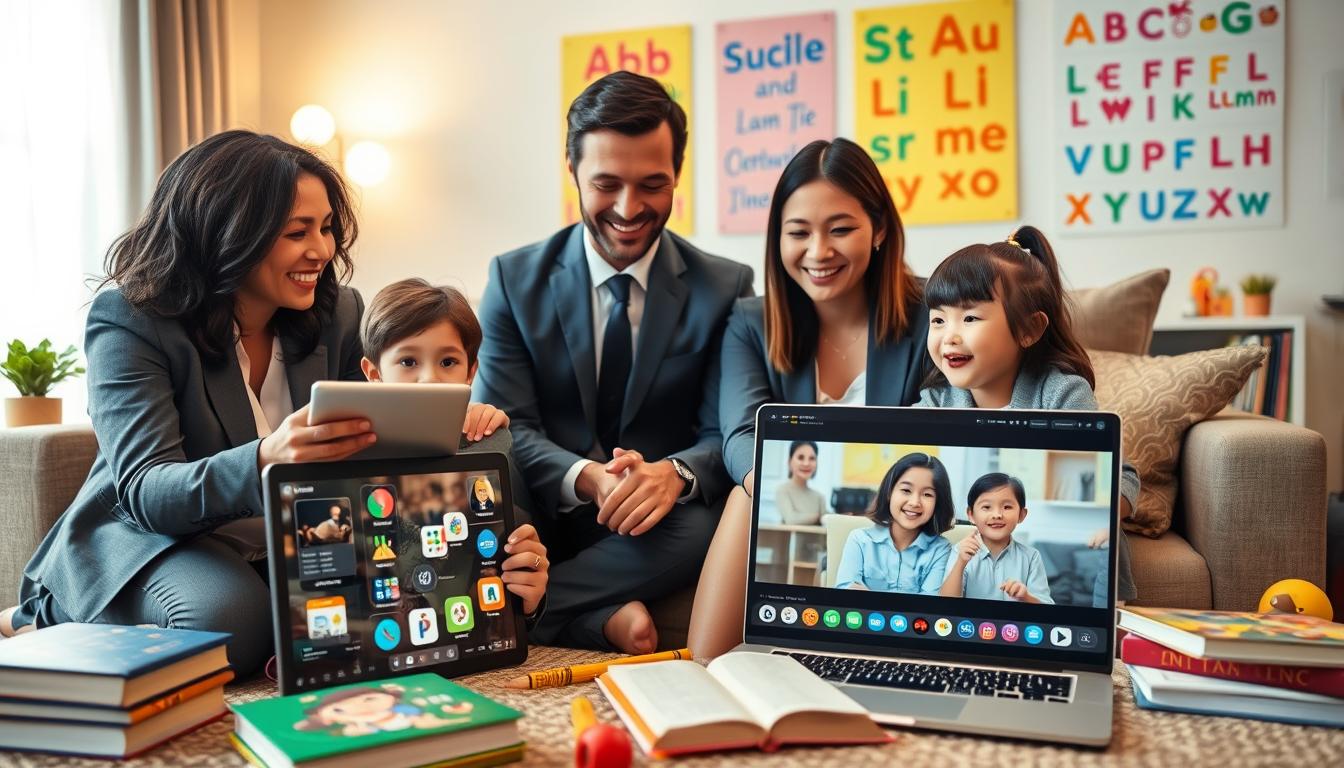
Let’s change our view on screen time. It’s not just about watching. It’s a chance to connect and learn together.
Assoc Prof Dr Mazlina Che Mustafa says it’s all about high-quality, interactive content. The key is to watch with your child.
Prof Dr Azlina Mohd Kosnin agrees. She believes technology is great when used wisely. It’s about teaching, not just controlling.
This smart way of using screens is all about balance. We move from just watching to actively engaging together.
By focusing on language, every screen time becomes a learning opportunity. This idea links to other strategies for building language during play. We aim to grow brains through fun, thoughtful talks.
Co‑viewing vs solo viewing in plain English
There are two main ways kids watch screens: with you or without you. This choice greatly affects their experience. Watching alone can be passive. But watching together can spark conversations and critical thinking.
Solo viewing means a child watches content by themselves. It’s often quiet and independent. This can be a break for busy parents, but it’s mostly just watching.
When kids watch alone, they get information without guidance. This can be limited and risky. They might see ads or content not suitable for their age.
Expert Azlina stresses the importance of parental control. Supervision is key to keep kids safe from unexpected content. Without a parent, kids have no one to filter what they see.
Co-viewing is a more active and engaging option. You’re not just watching; you’re a “media mentor.” You watch and discuss the content with your child.
Mazlina advises to watch content with your kids and ask open-ended questions. This turns watching into a learning experience. It builds safety and encourages dialogue.
Parent Mei Oon started co-viewing with her daughter from age one. She didn’t just block content. She taught her how to use devices safely. This early start helped her daughter become independent and savvy later on.
This practice is key to building media literacy for kids. It’s not just about watching digital content. It’s about teaching kids to understand and question it. Co-viewing helps them develop this critical skill.
| Aspect | Solo Viewing | Co-viewing |
|---|---|---|
| Parent Role | Absent or distant supervisor | Active media mentor and guide |
| Child’s Engagement | Passive consumer | Active participant and thinker |
| Learning Opportunity | Low; entertainment focus | High; language and critical thinking |
| Risk Management | Child faces ads/content alone | Parent filters and explains in real-time |
| Builds Media Literacy | Rarely | Consistently; core teaching method |
The differences between solo and co-viewing are huge. Solo viewing is okay for short, managed times. But co-viewing is the powerful tool for long-term benefits.
Co-viewing turns screen time into a chance for connection and growth. You help your child develop media literacy for kids. They learn to be smart, not just swiping, viewers.
Think of it as an investment. The time you spend watching and talking together pays off. It creates a child who understands the digital world, not just gets lost in it.
Establishing rules: short episodes, pause‑and‑talk, end‑with‑retell
Think of these three rules as your interactive toolkit for making any show a learning moment. They provide a gentle structure that turns passive watching into an active conversation. The goal isn’t to quiz your child, but to explore the story together.
This framework supports your family’s media plan by putting clear, interactive guidelines into practice. Let’s break down each rule.
Rule 1: Short Episodes
Start by managing exposure. Choose content in bite-sized segments. A single 10- to 15-minute episode is often perfect. This respects a young child’s attention span and creates a natural stopping point.
It also gives you a defined window for interaction. You’re not committing to a marathon; you’re scheduling a focused, language-rich activity. This makes the experience more manageable and rewarding for everyone.
Rule 2: Pause-and-Talk
This is the heart of co-viewing. Hit the pause button! Use those moments to ask open-ended questions that spark thought and conversation. As expert Mazlina suggests, questions like “What do you think will happen next?” or “Why did the character take that action?” are perfect.
These co‑viewing prompts do more than test memory. They encourage prediction, reasoning, and emotional understanding. Keep a few go-to questions in your back pocket to transform any scene into a discussion. Building your arsenal of co‑viewing prompts is a simple way to boost engagement.
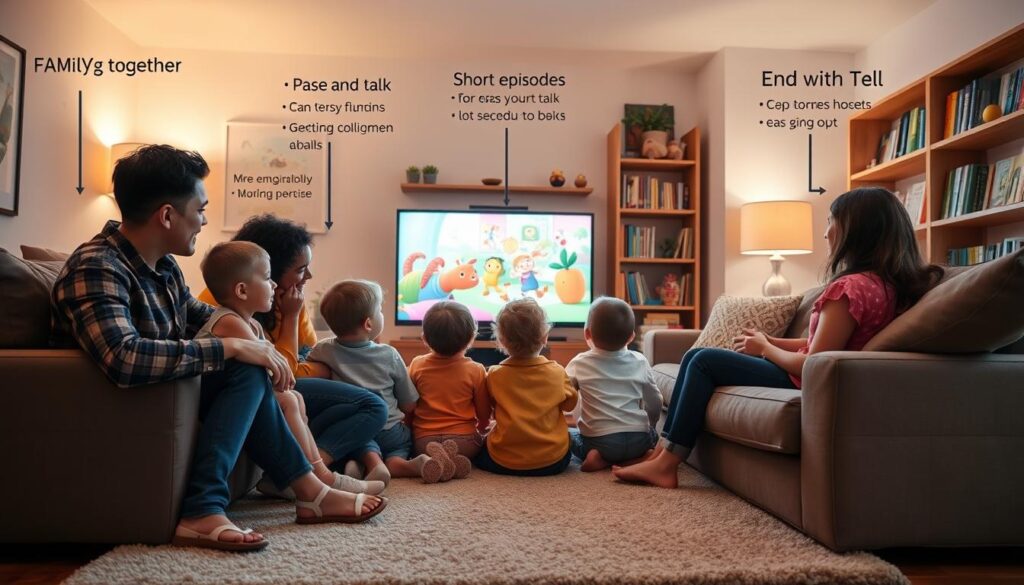
When the credits roll, don’t just move on. Spend two minutes asking your child to retell the story. You can start with, “So, what was that all about?”
This simple act strengthens comprehension and narrative skills. Your child practices sequencing events (first, then, and last) and identifying the main idea. It turns viewing into a complete language exercise, from input to output.
| Rule | What It Is | Key Benefit | Sample Prompt |
|---|---|---|---|
| Short Episodes | Choosing content in manageable, time-bound segments. | Matches attention spans and creates a defined interaction window. | “Let’s watch just one episode and then talk about it.” |
| Pause-and-Talk | Using the pause button to ask questions during viewing. | Develops critical thinking, prediction, and emotional IQ. | “Why is the character feeling sad right now?” |
| End-with-Retell | Summarizing the story together after it ends. | Boosts comprehension, memory, and narrative language skills. | “Can you tell me the story in your own words?” |
These rules are flexible guides, not strict commands. Some days you might use all three; other days, just one. The point is to have a plan. For real-world examples of co‑viewing prompts in action, check out this discussion on interactive viewing strategies.
By implementing short episodes, pause-and-talk, and end-with-retell, you lay the groundwork for balanced screen time. This proactive approach is the core of a thoughtful family media plan, which we’ll explore more later.
Prompt packs for shows, sports, and short videos
Different shows and videos need different conversation strategies. Having a ‘prompt pack’ makes watching together easy. Speech therapist Mazlina says these discussions help kids understand and talk better. By asking the right questions, you make watching TV a fun way to learn language.
For narrative shows and cartoons, talk about the story and feelings. Ask, “What do you think will happen next?” or “Why did that character feel sad?” This helps kids follow stories and understand emotions.
Watching sports broadcasts means asking about rules, teamwork, and physics. You might ask, “How did they work together to score that goal?” or “Why did the player get a penalty?” These questions introduce science in a fun way.
Short-form videos, like YouTube or TikTok, need critical thinking. Ask, “Why was this video made?” Discuss who made it and what they want you to feel or do. This helps kids understand the creator’s intent.
The key to all genres is turn‑taking. Instead of just asking questions, have a real conversation. You ask, they answer, and then they ask you. This makes them practice starting and keeping a conversation going.
Here’s a quick guide to prompt starters for each genre:
- Shows & Movies: “What was your favorite part?” “How would you end the story?”
- Sports & Games: “What’s the most important rule?” “How did the team show good sportsmanship?”
- Short Videos: “Who is this video for?” “What did the creator want us to learn or buy?”
Having these prompt packs ready ensures you can always engage. It turns watching into a lively conversation that improves understanding and talking. Remember, turn‑taking makes simple questions into valuable lessons in communication.
Building vocabulary from scenes: who/where/what/why frames
You don’t need a teaching degree to boost your child’s vocabulary. Just pause the show and ask ‘who,’ ‘where,’ ‘what,’ and ‘why.’ This simple method turns any screen into a language lab. Studies show it improves literacy skills.
Imagine yourself as a language detective. Your job is to find new words and ideas in each scene. Using these four frames, you help your child learn specific words.
- Who: Ask “Who do you see?” This helps build noun vocabulary. Your child will name characters and animals. It’s key for understanding sentences.
- Where: Ask “Where are they?” This boosts spatial awareness and preposition knowledge. Answers like “in the tree” or “next to the car” are great for language.
- What: Ask “What is happening?” This enhances verb and action word vocabulary. It helps children follow stories and understand plots.
- Why: Ask “Why do you think they did that?” This builds reasoning and predictive skills. It encourages children to think critically.
The magic happens when you make it a two-way street. After you model the questions, encourage turn-taking. Let your child take the remote and ask you questions. This turn-taking makes them an active learner.
For example, pause a nature show. You might ask, “Who is swimming in the river?” (Otter). “Where is the otter going?” (Under the log). Then, let your child ask the next question. This shared discovery is fun and powerful.
This method does more than just name objects. It helps build complex sentences and stories. It naturally supports speech sounds by placing them in meaningful words. You’re not just watching; you’re building your child’s word world, one paused frame at a time.
Family media plan and screen‑free swaps for balance
A written family media plan can turn screen time into a learning tool. It’s a plan for healthy digital habits. It helps you guide your child’s tech use instead of just reacting.
Speech therapist Mazlina says making this plan is key. It follows the American Academy of Pediatrics’ advice. It teaches good media habits and values.
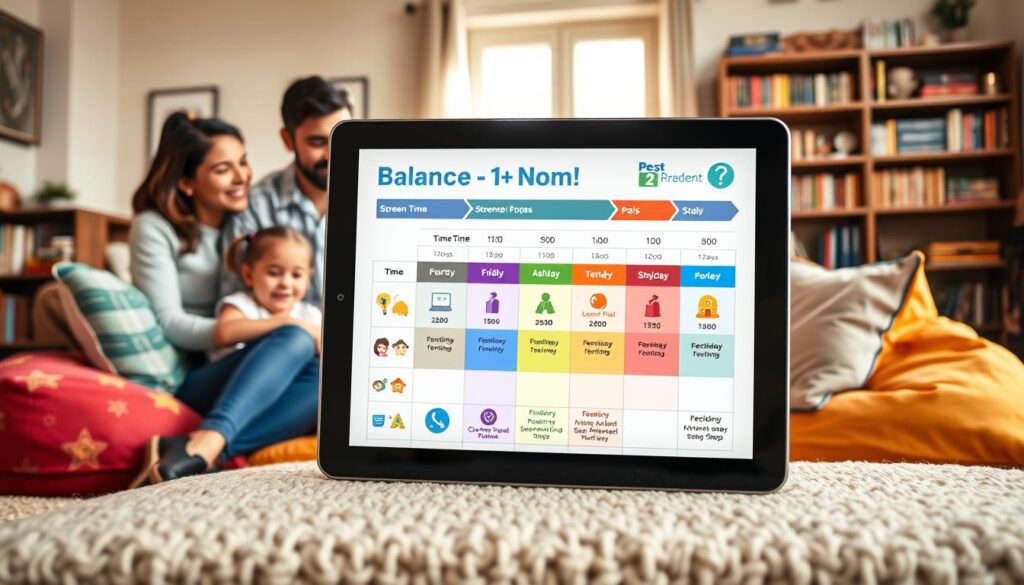
A good plan has four main parts. First, tailor rules for each child based on their age and needs. Second, set clear rules like no devices at the dinner table. Third, explain the reasons behind each rule. Fourth, agree on consequences together.
This way, everyone understands and agrees on the rules. It’s the heart of screen time balance.
Smart co-viewing is part of a healthy media diet. But it’s not everything. For real balance, you need screen-free swaps too.
These are times when screens are off and real play is on. Swap 30 minutes of TV for a walk. Or video games for building a fort. This active play is essential for growth.
Too much screen time can cause problems, like “virtual autism.” It shows a lack of real-world interaction. Tan Chiew Seok says kids need to play and interact in the real world.
Offline play helps with coordination, problem-solving, and emotional strength. It’s a key part of a child’s day.
The best media literacy for kids is knowing when to stop. Balancing screen time with offline play teaches this skill. Your family plan makes this balance intentional and peaceful.
Accessibility, captions, and bilingual options
Inclusive co-viewing uses all tools to make screen time educational for everyone. Modern devices have features for accessibility that help a lot. Turning on captions or language tracks is more than just adjusting settings. It’s a way to learn in a new way.
Captions are key for those who are deaf or hard of hearing. But they’re also great for young learners. They help kids connect sounds to symbols, which is important for reading. It also introduces new words and helps with spelling.
Ask your child to find a word in the captions. This turns watching TV into a reading lesson.
Also, bilingual and multilingual content is very helpful. Language expert Azlina says it’s a great way to learn languages. Many shows have options for different languages. This makes learning fun and easy.
To get the most out of these features, think about your setup. Screen mirroring makes TV watching better for everyone. It puts the action on a bigger screen. This makes captions easy to read for everyone.
| Tool | Primary Benefit | Best For | Pro Tip |
|---|---|---|---|
| On-Screen Captions | Bridges spoken and written language, boosts vocabulary & spelling. | Early readers, building literacy skills, clarifying fast dialogue. | Use for all viewing, not just when it’s noisy. Play “find the word” games. |
| Bilingual Audio/Subtitles | Informal language immersion, exposes kids to new sounds and cultures. | Families interested in second languages, reinforcing heritage languages. | Start with a very familiar show in a new language to aid comprehension. |
| Screen Mirroring (Casting) | Enhances group viewing comfort and makes on-screen text easily readable. | Family co-viewing sessions, homes with visitors, shared learning moments. | Cast from your device to the TV to free up your hands for pointing and discussing. |
Using captions, language options, and casting makes TV a learning tool. It helps you meet your child’s needs and supports different learning styles. It’s a smart way to make every TV moment educational and inclusive.
Co‑viewing prompt sheet and weekly tracker download
Starting to change how we use screens is easy with a plan. Experts say watching with a purpose makes a big difference. By using co-viewing prompts, watching TV becomes a learning experience.
We have a helpful download for your family. The Co-viewing Prompt Sheet has questions for cartoons, sports, and short videos. It’s made for kids of all ages to start conversations right away.
The Weekly Tracker is here to help you build a routine. It lets you keep track of your co-viewing sessions and celebrate your successes. Seeing your progress will make the habit stronger.
These free tools make it easy to put our ideas into action. They give you the framework for successful, language-focused watching. Download the prompt sheet and tracker to make co-viewing a regular part of your media routine.
You and your child are in this together as you explore the digital world. With these co-viewing prompts, every TV show becomes a chance to bond and learn.